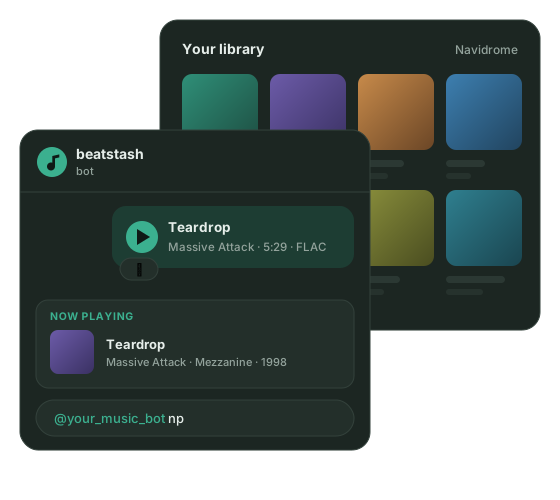
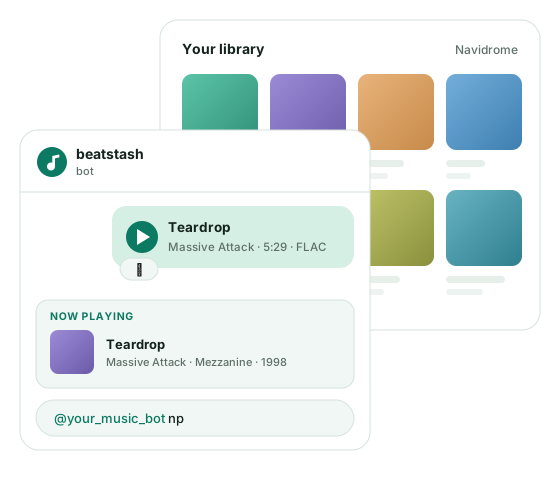
Your Navidrome library, filled from Telegram
What gets in the way
Section titled “What gets in the way”A self-hosted library is pleasant to listen to and tedious to fill. A friend sends you a track in Telegram, and to hear it in Navidrome you save the file, copy it to the server over SSH, and wait for a scan. A friend wants their own music on your server, so you create an account, decide which libraries they see, and upload their files for them. You want to leave a streaming service, and nothing brings your likes and playlists along.
beatstash takes these chores into a Telegram chat. Navidrome keeps doing the playback.
Add music from Telegram
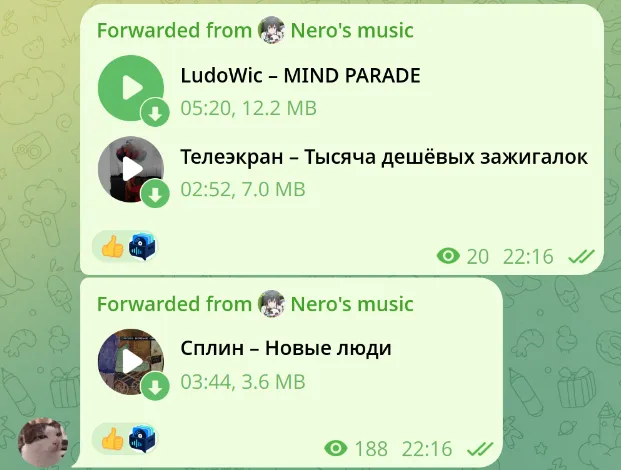
Forward a track or send files from your phone. The bot fills in the tags, skips tracks you already have, and files the music into artist and album folders. A 👍 means the track is in your library.
Share music in any chat
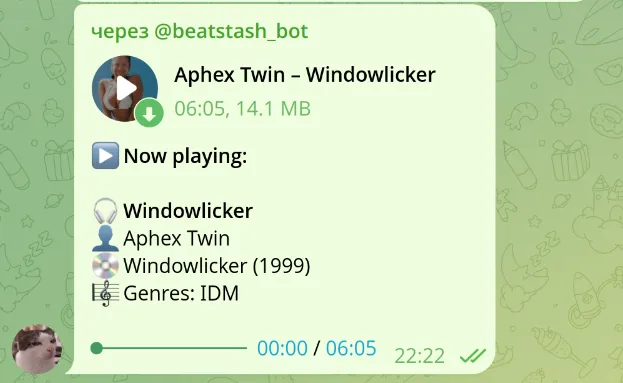
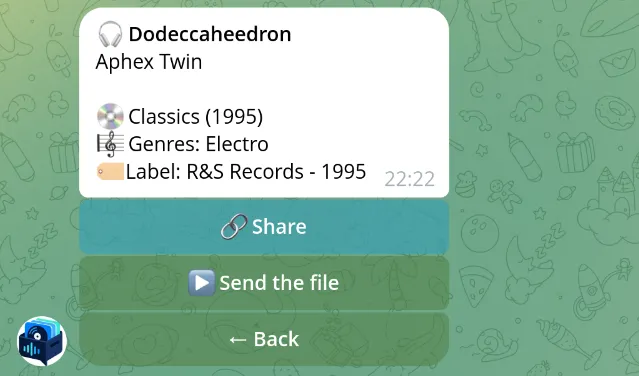
Type @your_music_bot np in any conversation to send what you’re playing, or search your library by artist or title. Friends get the audio with its album and year, not just a song name to look up.
One server for your friends
Send an invite link. Each person gets a Navidrome account, a personal library, and a storage limit you choose. When someone finds a track worth passing around, they share it, and others take it into their own library.
Leave streaming with your collection
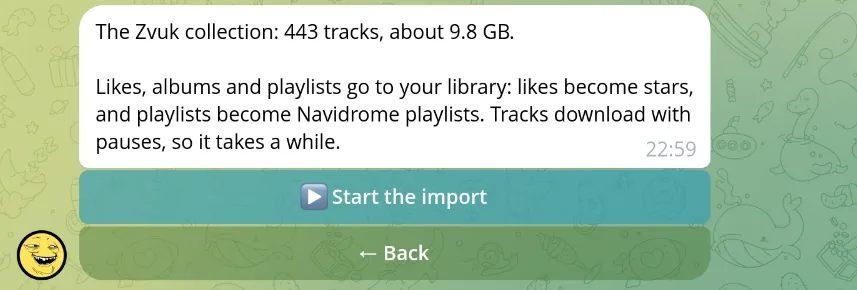
Connect a supported service and import your likes, saved albums, and playlists. After the first import, the bot keeps pulling in what you save there.
Pick your starting point
Section titled “Pick your starting point”beatstash and Navidrome cost nothing; you pay for the server and its disk. Importing from Zvuk needs an active Zvuk subscription. For how the bot fits next to Navidrome and beets, see the comparison.