Invite people and set quotas
With Navidrome alone, every new person means creating an account, choosing their libraries, and uploading their music. Here you send a link, and the bot does the rest. Only administrators, the accounts in admins, can do the steps on this page.
Invite someone
Section titled “Invite someone”Open Admin > Invite and send the link to one person. For the next person, use New invite. Each link works once and expires after seven days by default (invites.ttl).
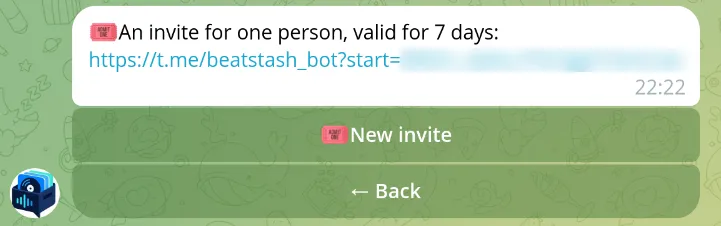
The invited person creates a Navidrome account in the bot or links one they have. They get a personal library and access to the shared library. To give them an existing library too, grant it in Navidrome. Send them the participant guide.
Set quotas
Section titled “Set quotas”Quotas stop one person from filling the disk. What counts toward them is explained in libraries and quotas.
- Admin > Quotas changes the default personal quota and the shared library’s quota.
- Admin > Users, then a participant, then Change the quota sets a limit for one person.
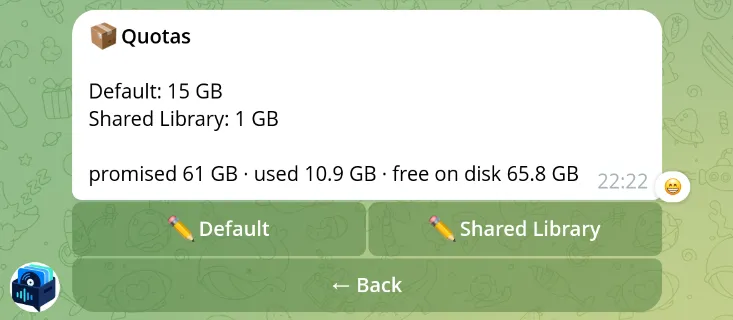
Enter values such as 25 GB or 500 MB, choose Unlimited, or go back to the default or the configured value. GB and MB are binary units. A new default applies to everyone without a personal limit. Values set in the bot override quota.default and quota.shared in the configuration.
The admin screen shows the total of all quotas next to the free disk space. Quotas don’t reserve disk space, so their total can be larger than the disk.